

One platform for NGOs
From community to final report, and round again
NGOstack is software for NGOs that covers the whole funding cycle: partners, calls, proposals, projects, reports and public updates. It is run by a non-profit association.
Run by a non-profit association
NGOstack is operated by Weltweit e. V., a registered non-profit association in Germany. Its mission is to strengthen locally led social and environmental initiatives by enabling people who operate across contexts. What organisations pay for NGOstack funds the platform's infrastructure and development, and the association's other non-profit initiatives.
1. Connect
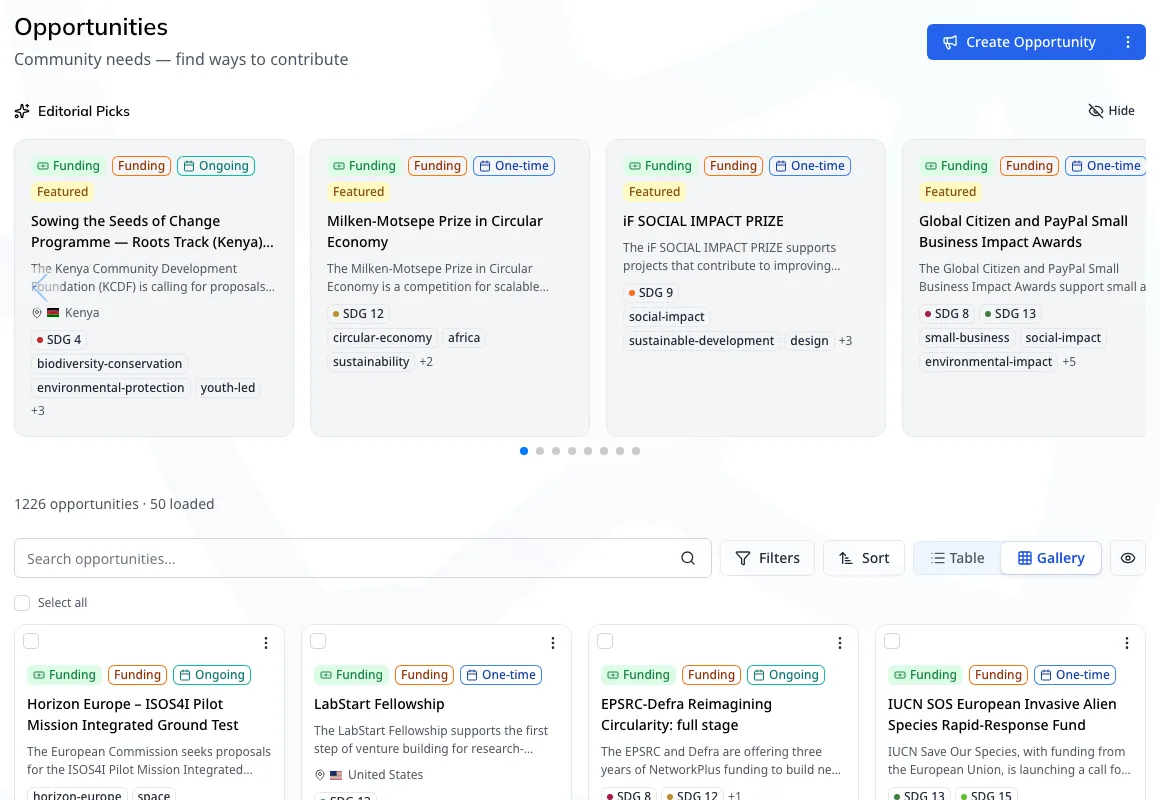
Find partners and funding
- Join the community, which is free for everyone
- Look up organisations in a verified directory
- Get funding calls, tenders and partnerships matched to your mission and region
2. Win
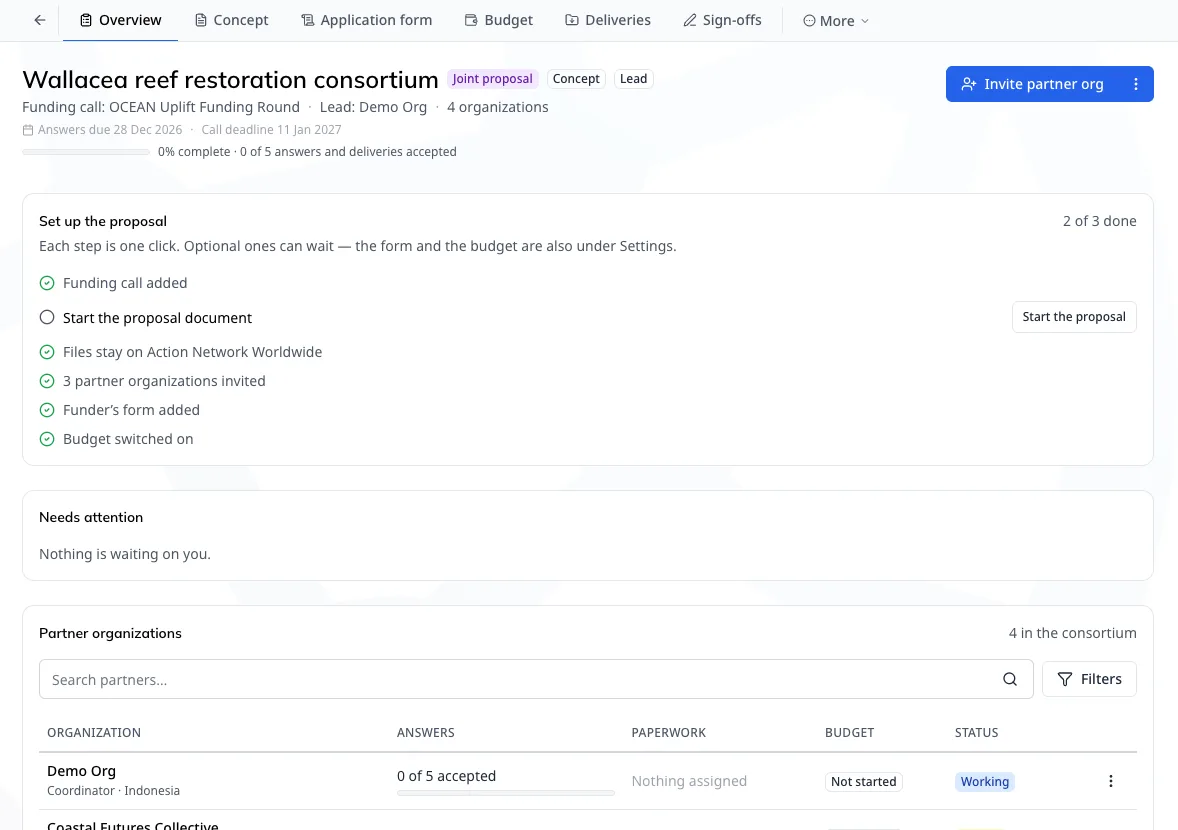
Write the proposal with your partners
- Draft with AI, then edit it yourself or with partners
- Work from one proposal and one budget, and collect each partner's sign-off
- Only the lead organisation pays. Partners join on any plan
3. Deliver
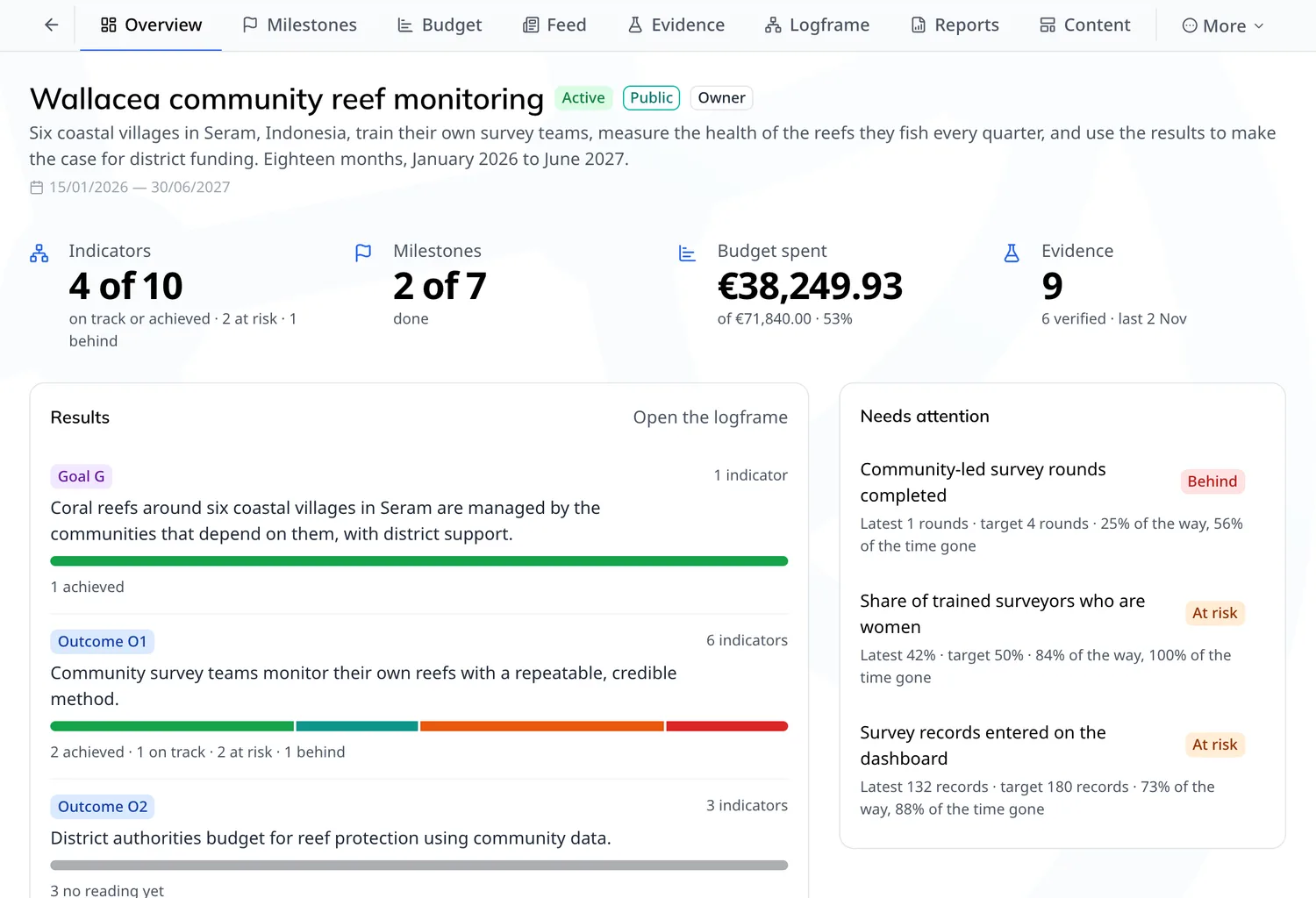
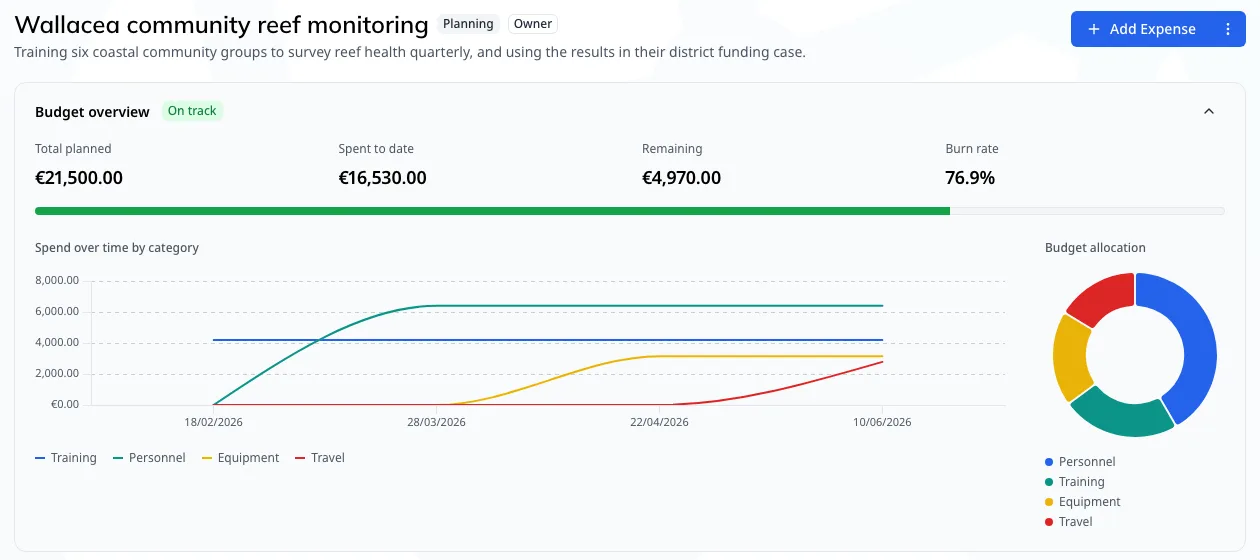
Run the project from the office and the field
- Plan in a logframe, or import the one you have from Excel, Word or PDF
- Track budgets and milestones, and attach evidence to your indicators
- Review deliverables with partner organisations in shared workspaces
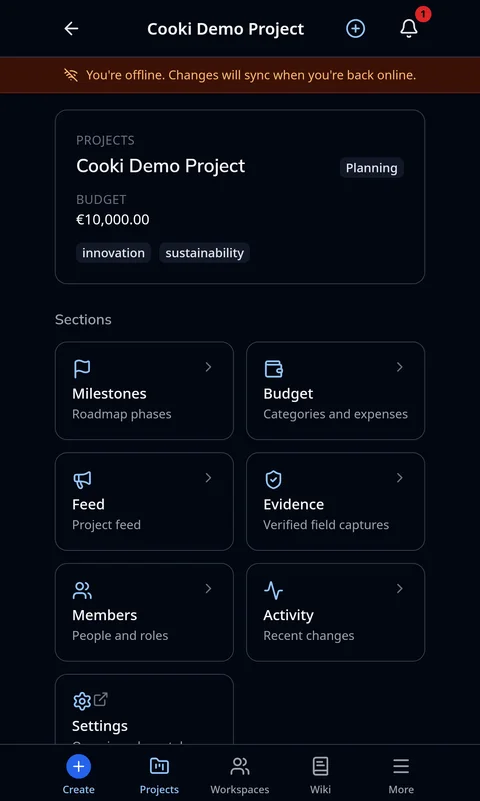
For long sessions in the office
Budget, evidence records and indicators save with no signal
4. Report
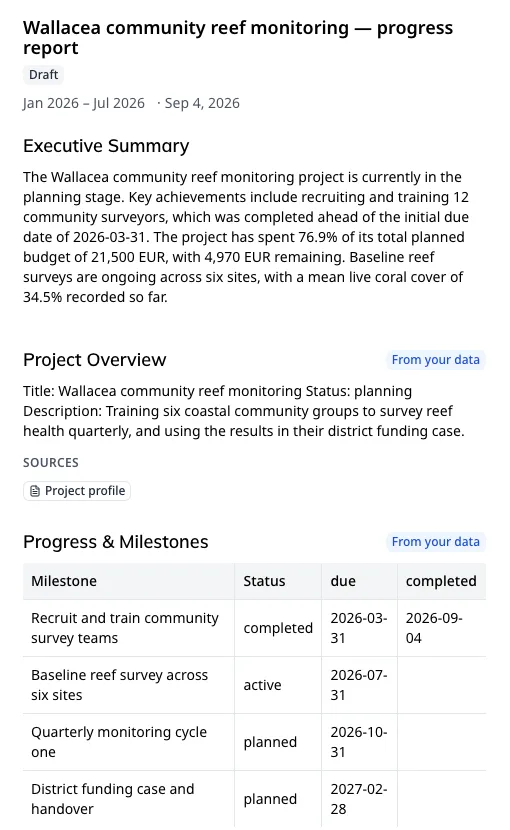
Report from your own records
- Use a built-in format or your funder's own template
- Each figure is pulled from your records and cites its source
- Export to Word, PDF or IATI 2.03
5. Share
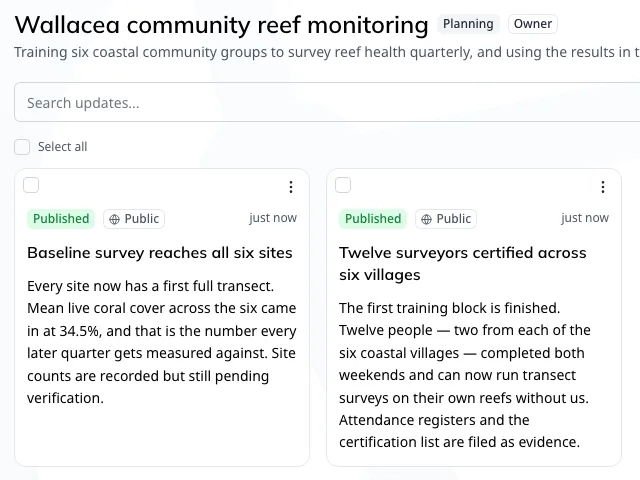
Publish project updates
- Write updates on your phone in the field
- Publish them to your public pages, social accounts and website
Start the next round
Your funder templates are saved for the next report, your public pages show past projects, and new calls keep coming in.
Keep spreadsheets for free-form analysis and a survey tool for large-scale data collection. Screens are from our demo account, where the project is fictional, with photos from Unsplash.